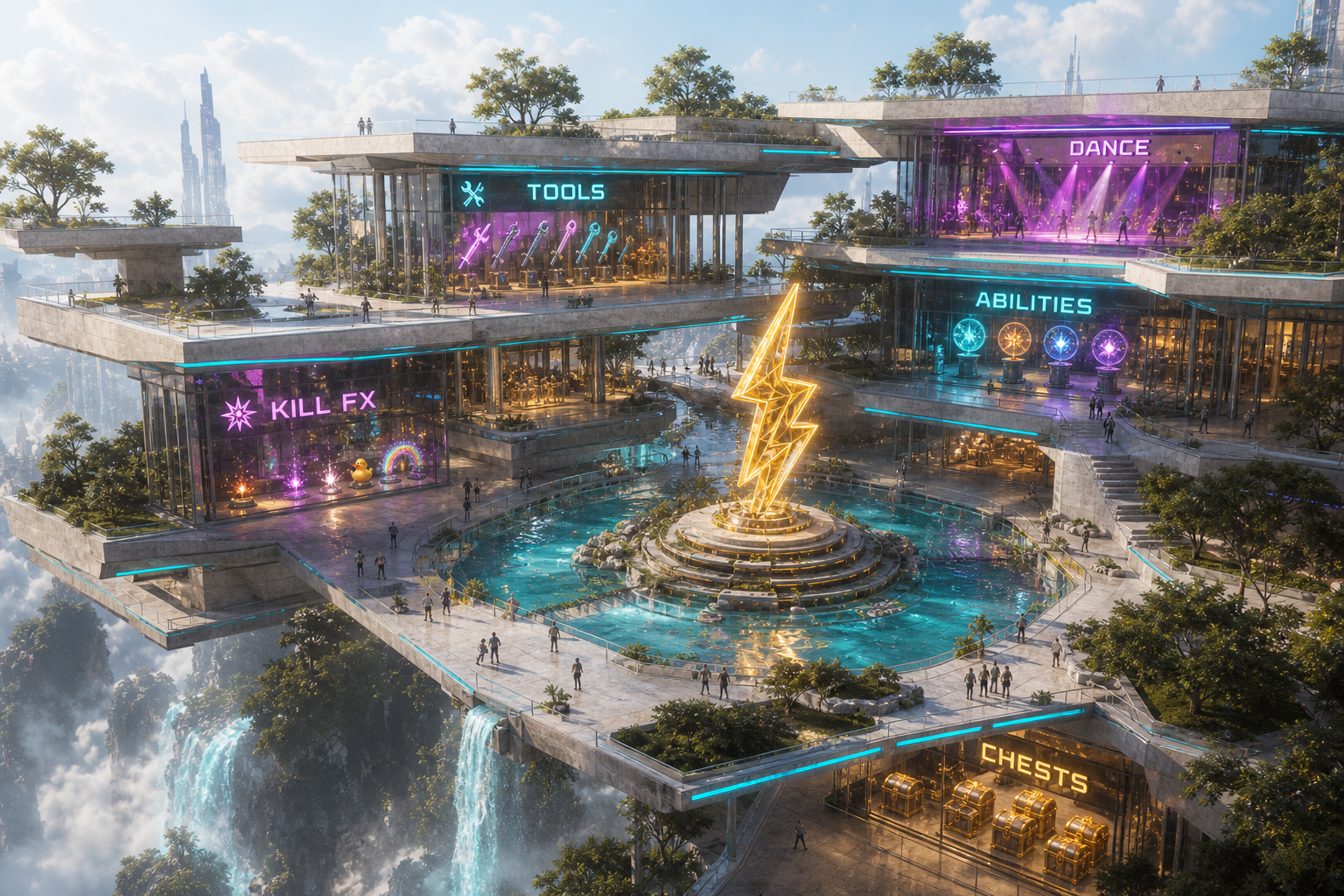
Top choice · V3 Charge Hub
BATTLE BALL
Home · water dais · shop floors
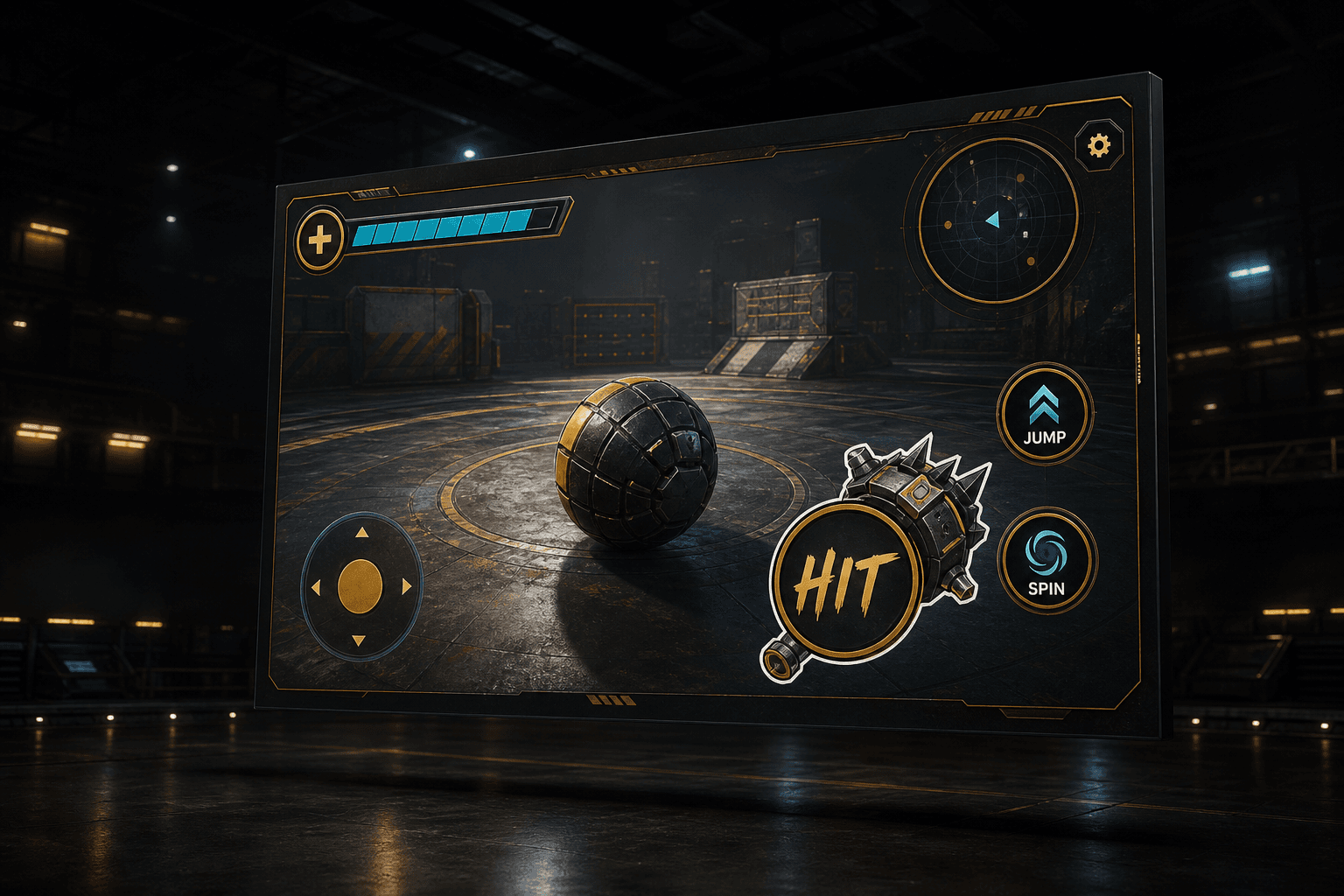
Desktop controls · button lab
Fresh chrome on a Roblox plate — nothing from the live HUD. Flip treatments A–D. Tool stays behind / in Hit.
Controls · default E3c Slide shelves · Cantilever / Tint as alts · E2 kept
Drafts pile · retired options
Showing E3c · Slide shelves — #1 NEW — Glass deck buttons on three overlapping Fallingwater trays.
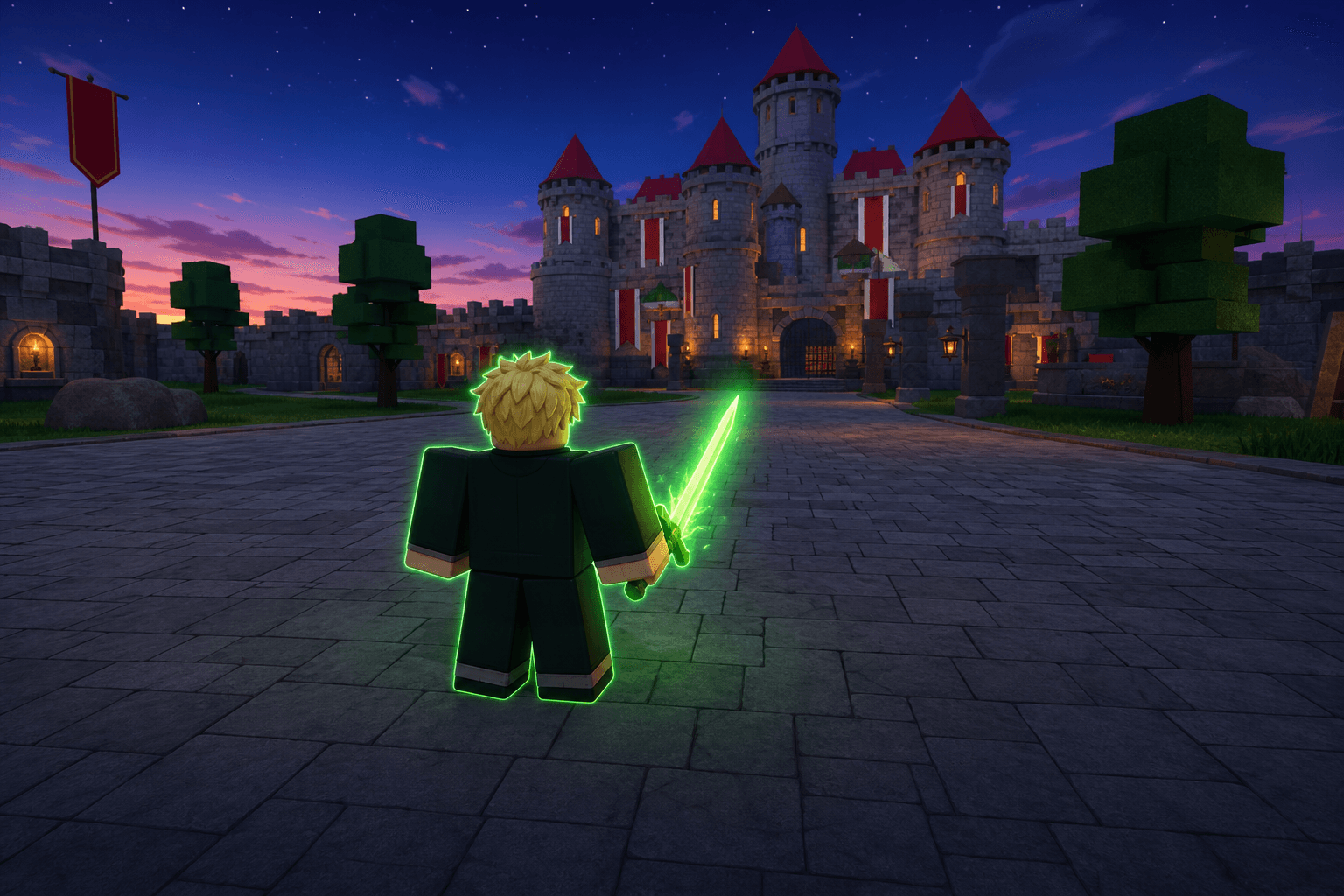
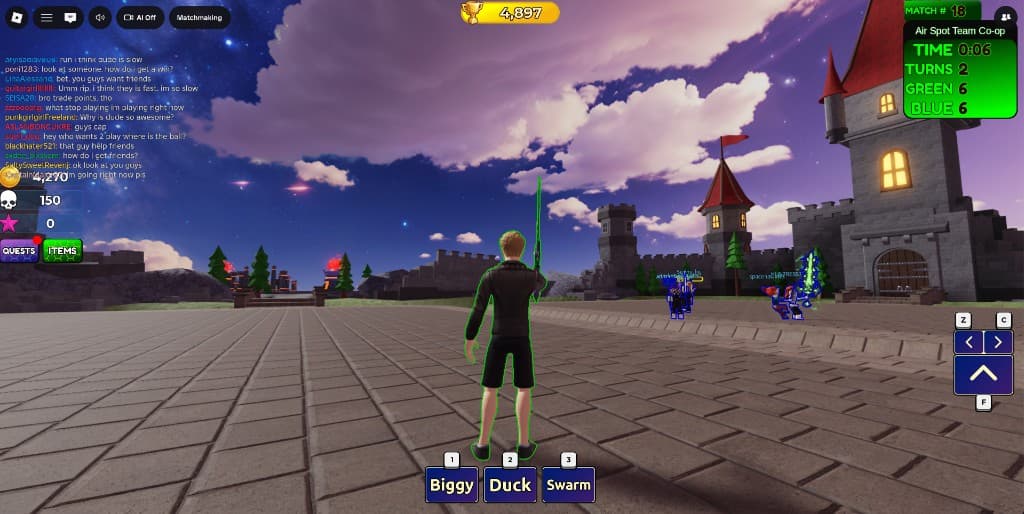
Desktop-first. E3 Fallingwater glass (Slide shelves default) explores angular layered trays on the semi-transparent rail. Prior E2 · Glass deck and E2c · Ring slots stay available. F–G / Hex are V2 alts. Older Hit studies sit in drafts. Effects ≠ weapon tools.
Lobby loadout · sticker tools
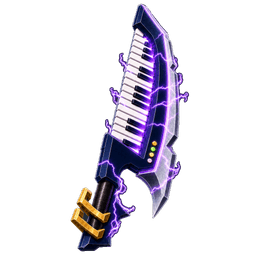
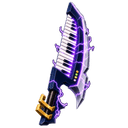
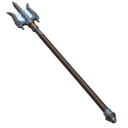
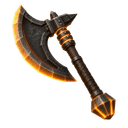
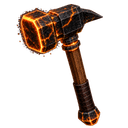
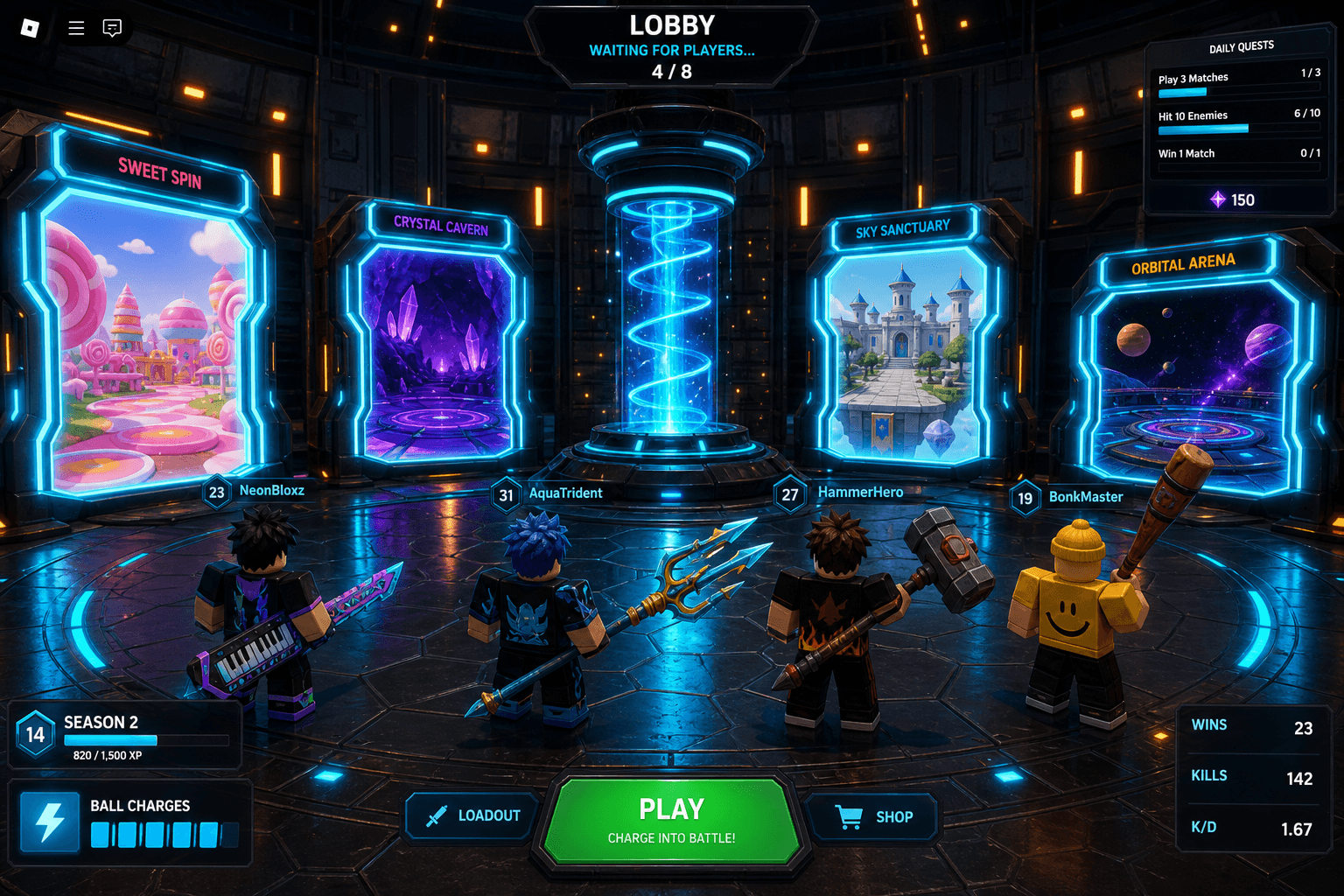
Avatars carry cutout sticker tools (Chordspire, trident, sword, maul). Same art language as Hit.
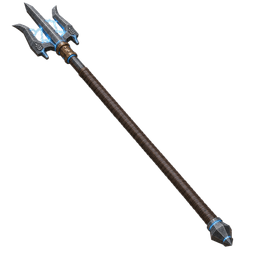
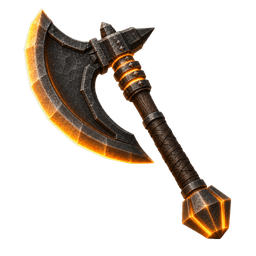
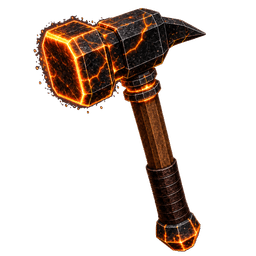
Roblox twin · Home Charge Hub
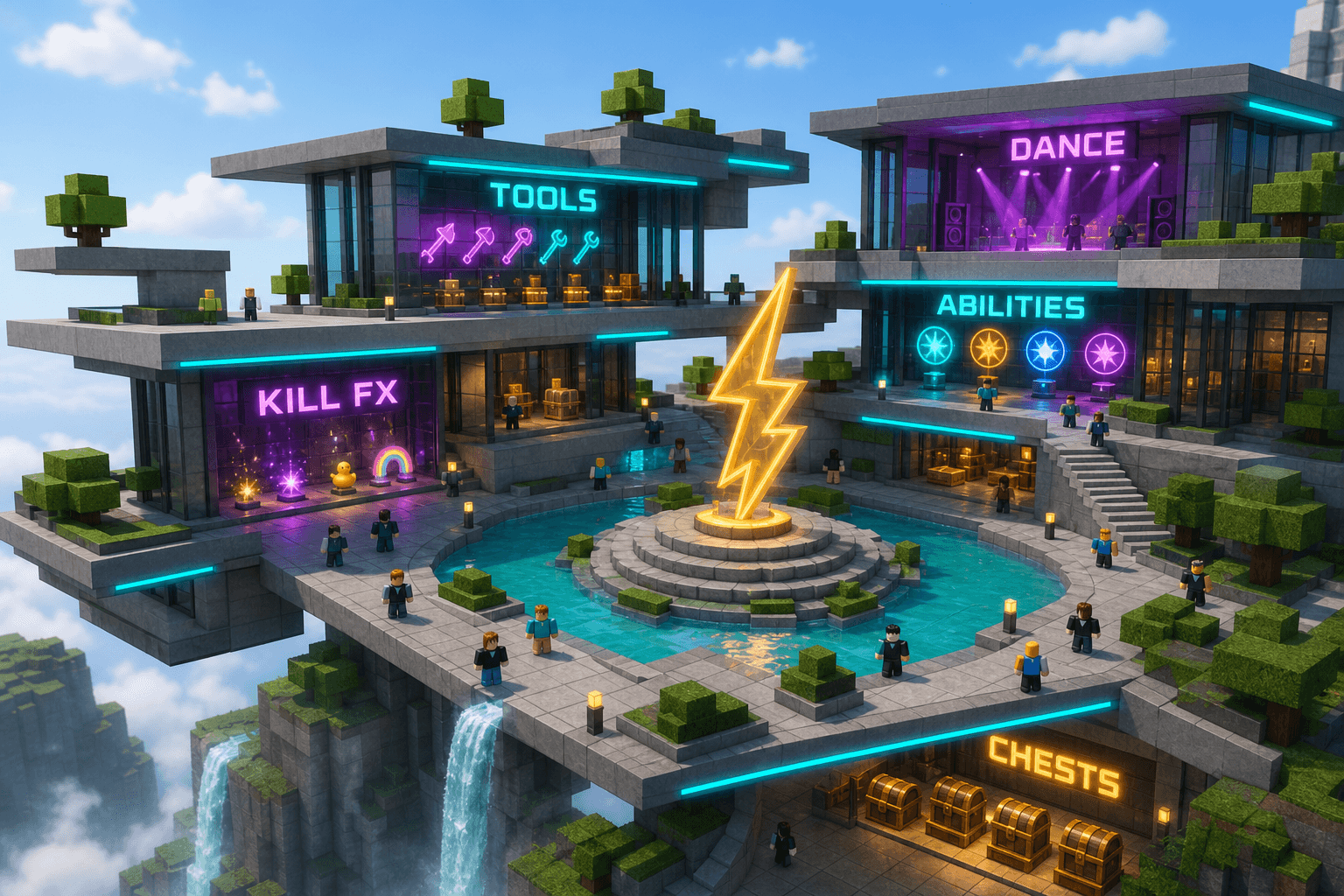
Build target for the top Charge Hub: same Fallingwater trays + Tools · Abilities · Kill FX · Dance · Chests around the water dais.
Lobby UX · jump into a screen
- Spawn — player lands on the charge dais in Home / Charge Lobby between matches.
- Read the walls — each portal screen loops a live preview of an arena (Castle, Candy, Crystal, Space…).
- Commit — walk or jump into a portal volume to queue / teleport into that world. Prompt: “Enter Candy Arena?”
- Loadout first — tools / cosmetics stay on the avatar; Items UI is available from a pad near the dais before you jump.
- Matchmaking — can open as full-screen over the lobby (portals dim) or start automatically after portal enter if “Quick into this world” is on.
- Return — after a match, dump back to the same lobby so the portal map stays the mental model.
Archive plates
Earlier concepts kept for reference — direction is V1.
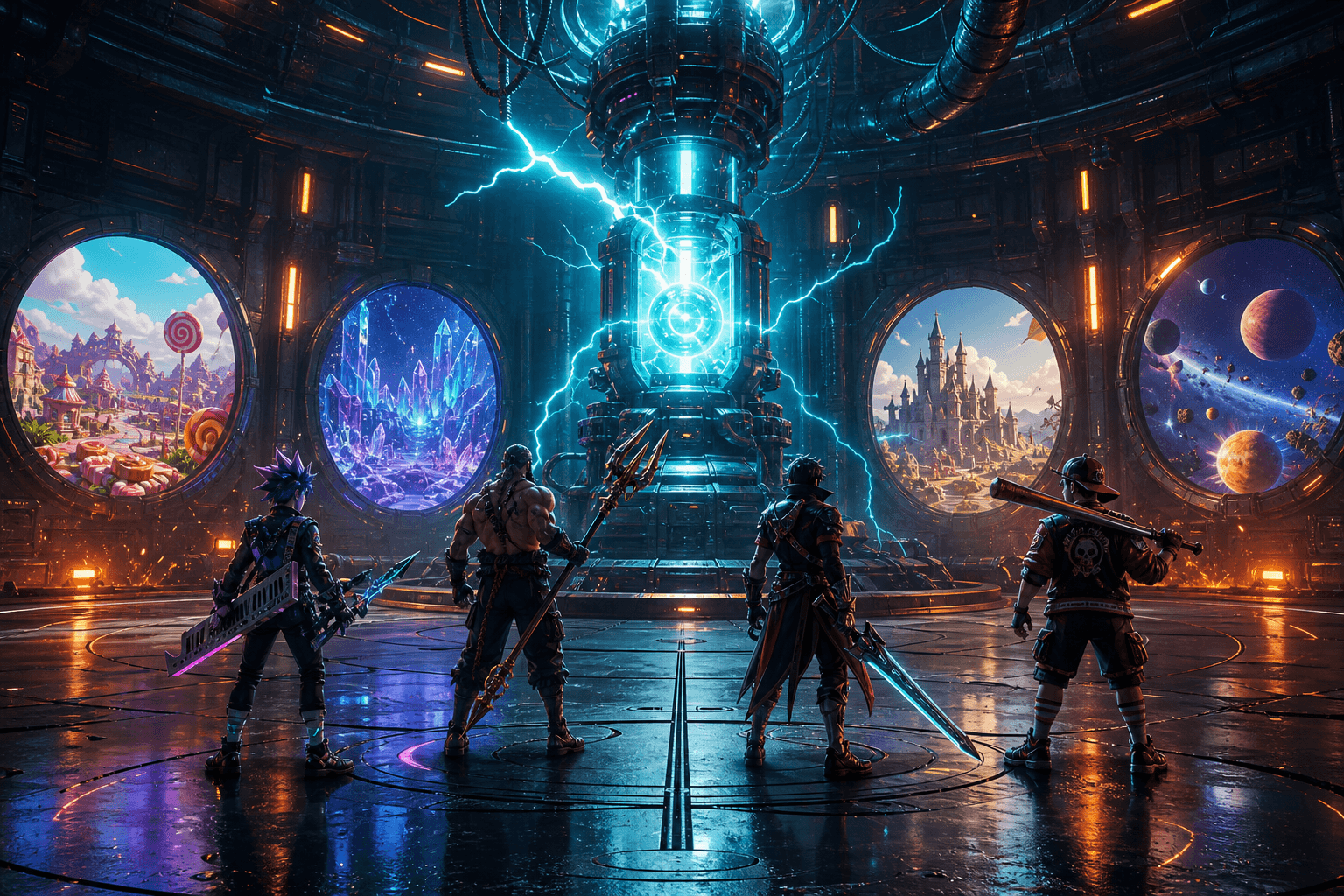
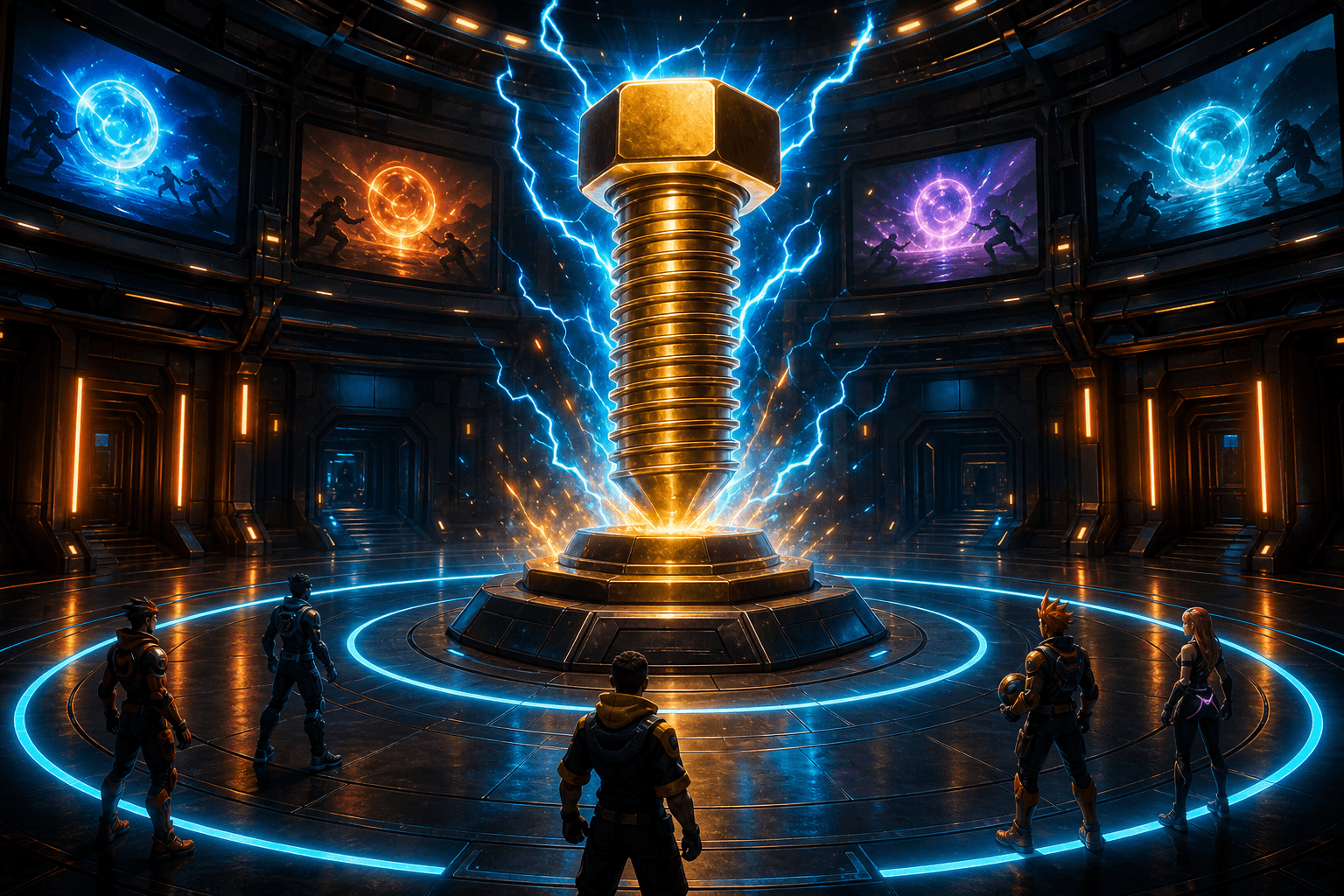
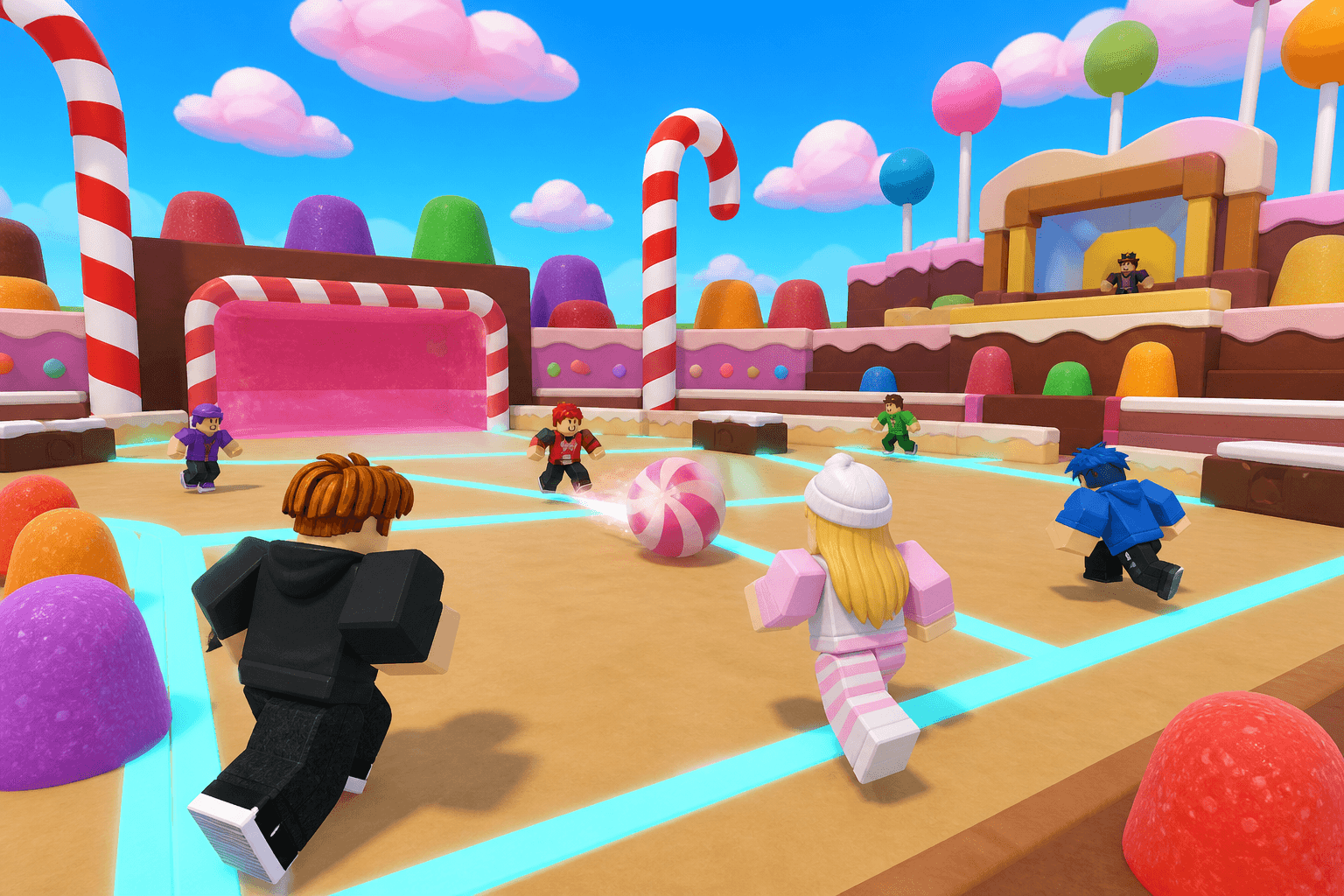
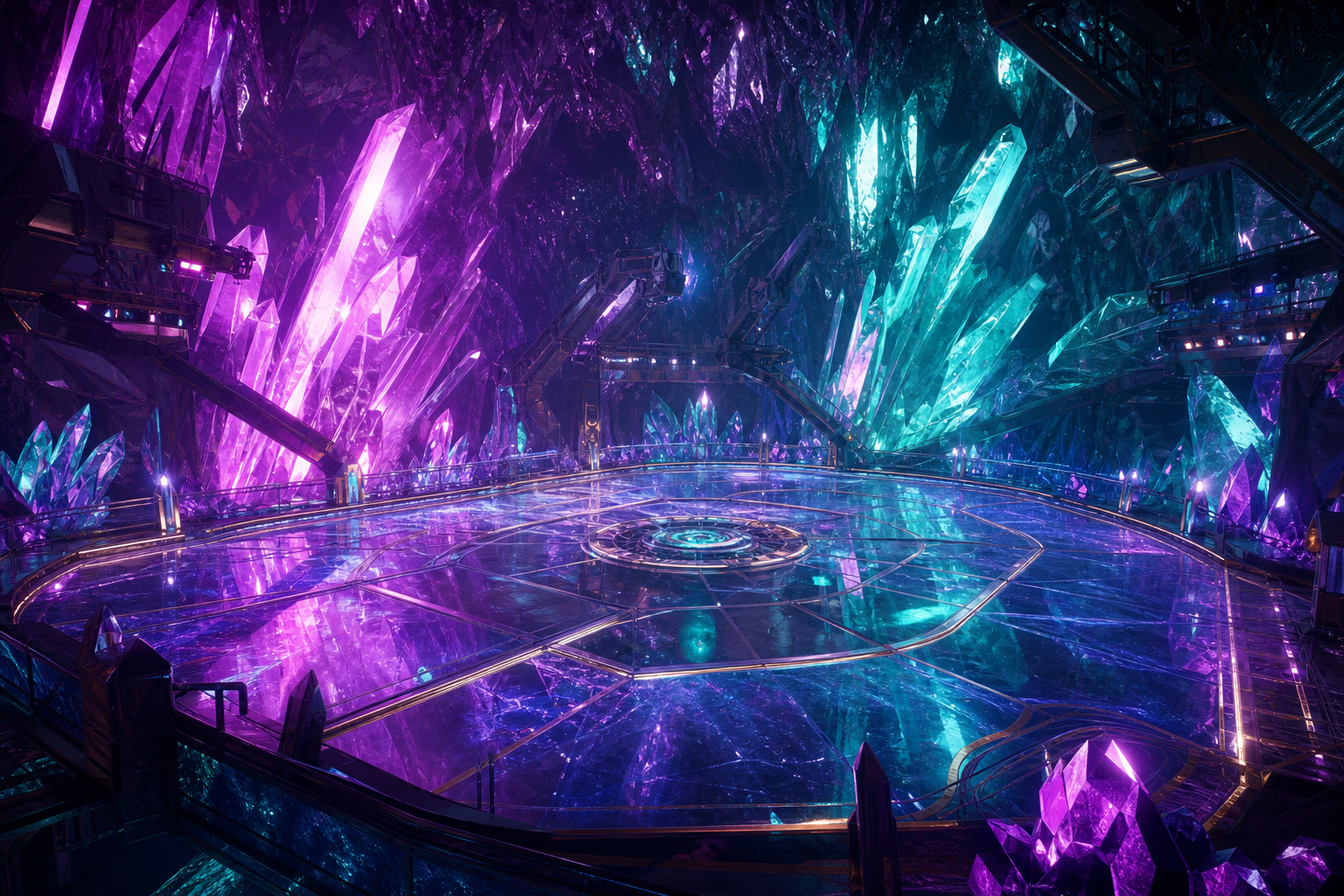
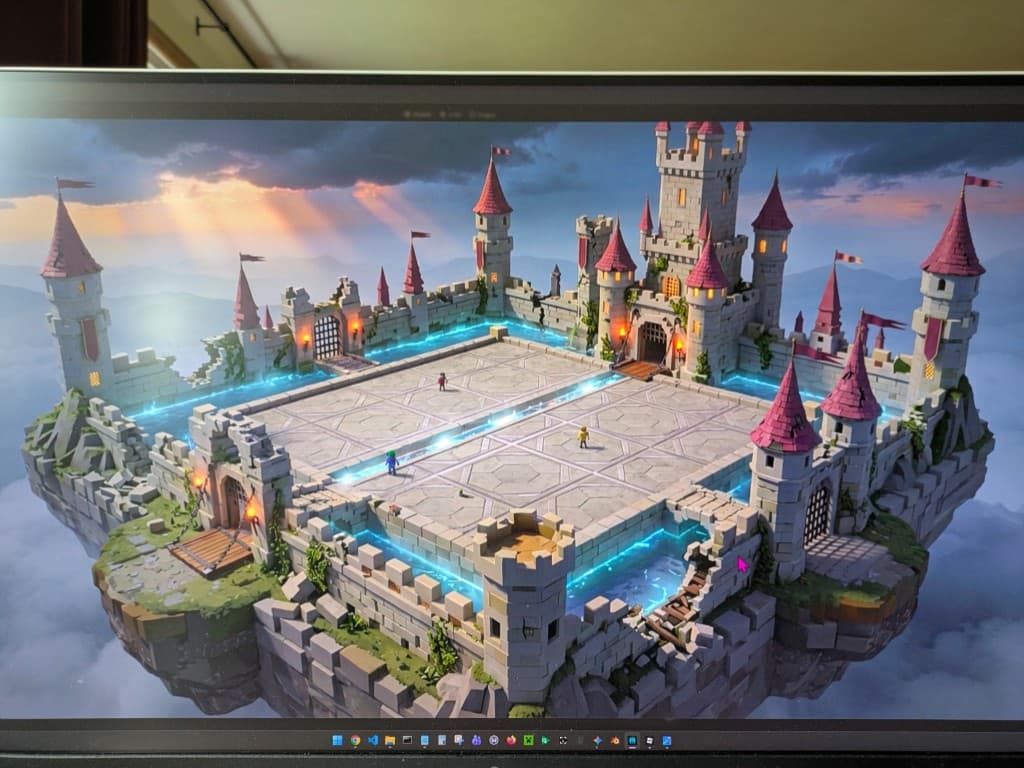
Arena roster · portal destinations
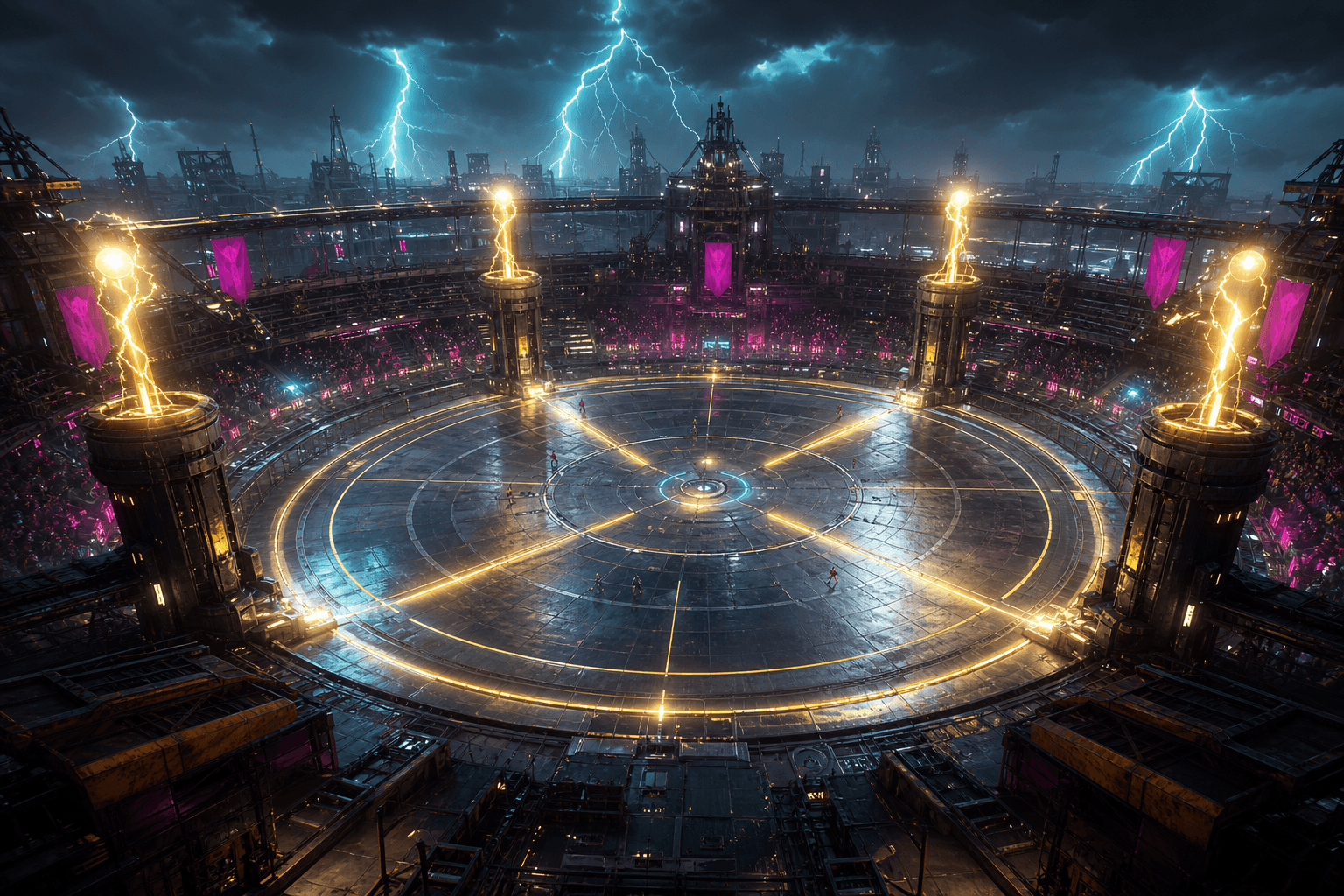
Client mood · Hugh
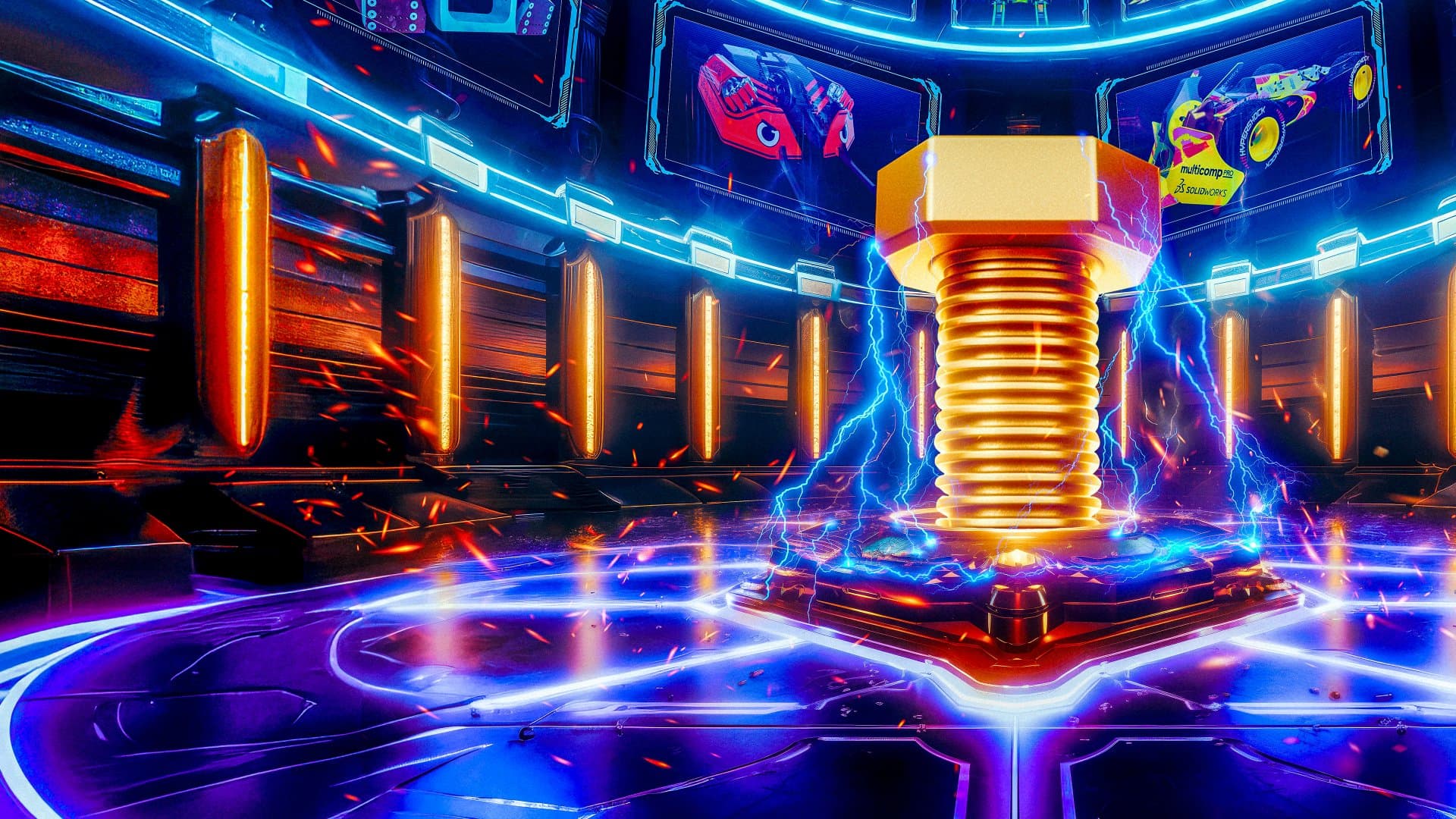
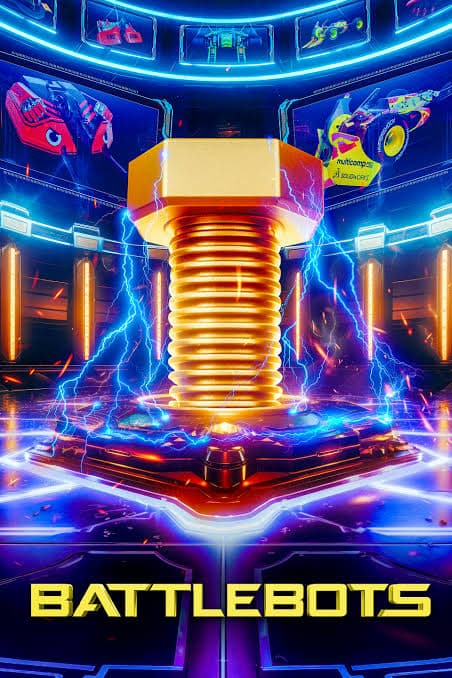
Bolt mockup toggle above is for client review. Shipped direction uses charge core + lightning. Roblox build stays simpler than pitch art.
Tiny
Desktop dock
Mobile
Jump clears the lane. Spin aims. Hit is the tool — primary, largest, sticker cutout only.
1 · Items · Tools tab
Critical upgrades for the selected tool. V3 Home floors — Tools · Abilities · Kill FX · Dance · Chests ascending from the dais.

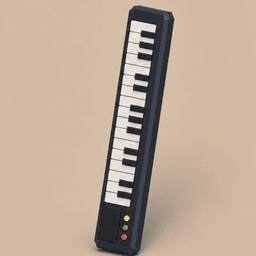
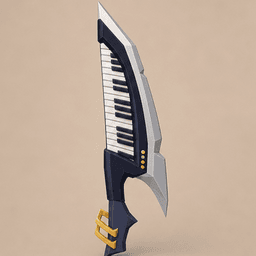
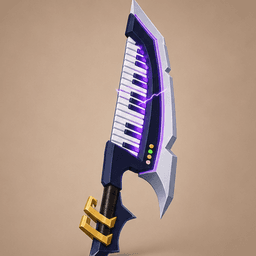
Razor Keytar
Swing the keytar-blade through the flying orb. Unlock L3 for violet resonance Greatkey sweeps.
2 · Matchmaking · full screen
Not a cramped modal — lobby with live invite state, modes, toggles, code, Ready. Holding on the Home dais between matches.
Dais hold · waiting friend
0:243 · In progress
Same control language mid-match — Hit is tool-only.
Direction lock
- Top choice: V3 Charge Hub — Home program (Tools · Abilities · Kill FX · Dance · Chests) on Fallingwater trays around water + bolt. Roblox twin on this page.
- V1 Charge Lobby still holds portal jump-in UX + UI chrome lock. V2 Charge Hub is the earlier concentric mall plate. V4 Pit / V5 Storm stay explored.
- Roblox twin is the build target; cinematic plates are pitch / mood.